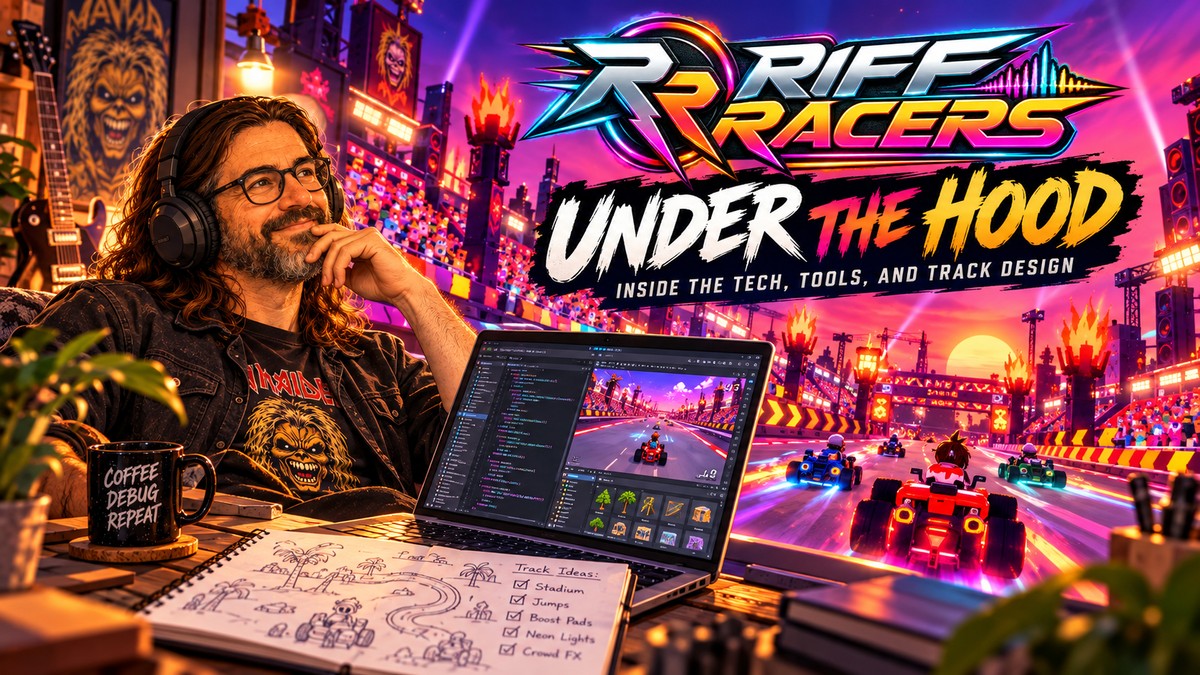
I thought it might be interesting to talk a little about the technical side of Riff Racers — not just what the game looks like, but how it is actually being built.
Riff Racers is developed in Defold, currently using Defold 1.14.0, while Blender plays an important role on the asset and 3D side of the project.
I chose Defold because it is lightweight, fast, and gets out of the way surprisingly well. For a game like this, where I want quick iteration without dragging around a huge engine and editor stack, that matters a lot.
The project itself is mostly built around Defold’s normal workflow: Lua scripts, collections, game objects, collision objects, atlases, particle effects and all the other pieces that gradually turn a pile of assets and code into an actual racing game.
Blender sits alongside that workflow for creating, adjusting and polishing the visual side of the game.
But the way I connect all of these tools has become a little more unusual.
Giving the coding tools access to the actual project
For Riff Racers I set up a Defold MCP server, based on Fulviuus/defold-mcp, which I use together with tools such as Claude Code and OpenAI Codex.
I also use Blender through MCP, which brings the same basic idea to the asset side of development.
The important part is that these tools are not simply looking at random folders full of source files and trying to guess what is going on.
Through MCP they can work much more closely with the actual tools and project.
On the Defold side, that means being able to inspect the game, work with project files, build it, run it and use Defold-specific information.
On the Blender side, it means being able to work much closer to the actual 3D scene instead of treating Blender files as a black box.
That has made a surprisingly big difference.
Instead of saying:
Here are some Lua files and some assets. Try to guess how everything fits together.
the workflow becomes much closer to:
Here is the actual game and here is the actual scene. Look at what is there, understand it, change it, test it and see what happened.
And that is a much more useful way to work.
Blender is part of the track-building process
Blender is not something I only use at the beginning to create an asset and then forget about it.
It has become part of the iteration loop as well.
If something on a track looks wrong, needs a cleaner shape, a better transition or simply does not fit the environment anymore, I can go back to Blender, adjust it and bring the result back into the game.
This is especially useful while polishing the circuits.
A shortcut might technically work but visually connect badly to the main road.
A ramp might have the correct gameplay function while its geometry makes the transition look unnatural.
A trackside object might look fine from one angle but terrible once you actually race past it at speed.
Those are the kinds of things where being able to move between Defold and Blender quickly becomes really valuable.
And having MCP available on both sides makes that workflow even more interesting.
AI is part of the toolbox, not the game designer
I’m a solo developer, so I use AI quite heavily during development. But I don’t really think of it as pressing a button and asking it to “make a game”.
Most of the work is still an iterative conversation between what I want the game to feel like and what is actually happening on screen.
For example, when working on a track I might notice that a shortcut feels artificial, a ramp begins too abruptly, an obstacle has no collision, the AI drivers are too predictable, or that the scenery simply feels dead.
Then the next pass becomes very specific:
make the shortcut flow naturally out of the road, fix the collision, adjust the geometry if necessary, give the background more movement, improve the racing line, test the AI again, drive several laps and see whether the result actually feels better.
Sometimes a change works immediately.
Very often it doesn’t.
And then we do another pass.
That cycle is probably the biggest part of making Riff Racers.
Building tracks as places, not just roads
One thing I have been putting much more effort into recently is making every circuit feel like an actual location instead of a road placed on top of a background.
That means looking at things such as:
- how jumps and shortcuts connect to the main racing line
- where hazards make sense instead of simply becoming annoying
- physical collision for barriers and trackside objects
- pit lanes that feel like part of the circuit
- animated elements and activity outside the track
- spectators that actually read as spectators
- surface transitions that look natural
- geometry that feels like it belongs to the environment
- visual landmarks that make different parts of a circuit recognizable
The goal is that you should eventually be able to look at a screenshot and immediately know which Riff Racers track you are looking at.
And, more importantly, each one should drive differently as well.
Testing is where most of the truth comes out
One thing this project keeps reminding me of is that something can look completely reasonable in code — or perfectly fine in Blender — and still feel terrible once you drive through it.
So the workflow has become increasingly focused on actually running the game and testing changes instead of treating a successful build or a nice-looking model as proof that something is finished.
A ramp can technically work but still feel wrong.
A shortcut can function perfectly and still look like somebody glued it onto the track five minutes ago.
A piece of geometry can look great in Blender and still feel completely out of place once the camera moves past it during a race.
An AI driver can follow all the rules and still be boring to race against.
That is why there are a lot of small polish passes in Riff Racers.
Build. Run. Drive. Notice something weird. Change it. Sometimes jump back into Blender. Run it again.
Not particularly glamorous, but probably one of the most important parts of the whole project.
A slightly strange little development team
So in practice, Riff Racers is being made by one developer with a somewhat unusual collection of helpers.
Defold is the foundation of the game.
Blender handles an important part of the 3D and asset workflow.
Claude Code and OpenAI Codex help me work through code, systems, tooling and increasingly large polish passes.
And the MCP integrations for Defold and Blender allow those tools to work much closer to the actual project instead of only seeing disconnected files.
Then I sit in the middle of all of it, deciding what the game should be, rejecting the things that don’t work, keeping the things that do, and occasionally wondering why someone decided that putting another obstacle directly in the racing line was a good idea.
It is a bit experimental.
But it is also a genuinely fun way to build a game.
And as Riff Racers gets closer to the next playable version, I’ll probably share more of this side of development as well — including some of the things that worked, some that absolutely did not, and how the tracks have changed along the way.